Setup Guide for IPTV is very easy
Follow our step-by-step guides to configure your subscription on any device in under 2 minutes
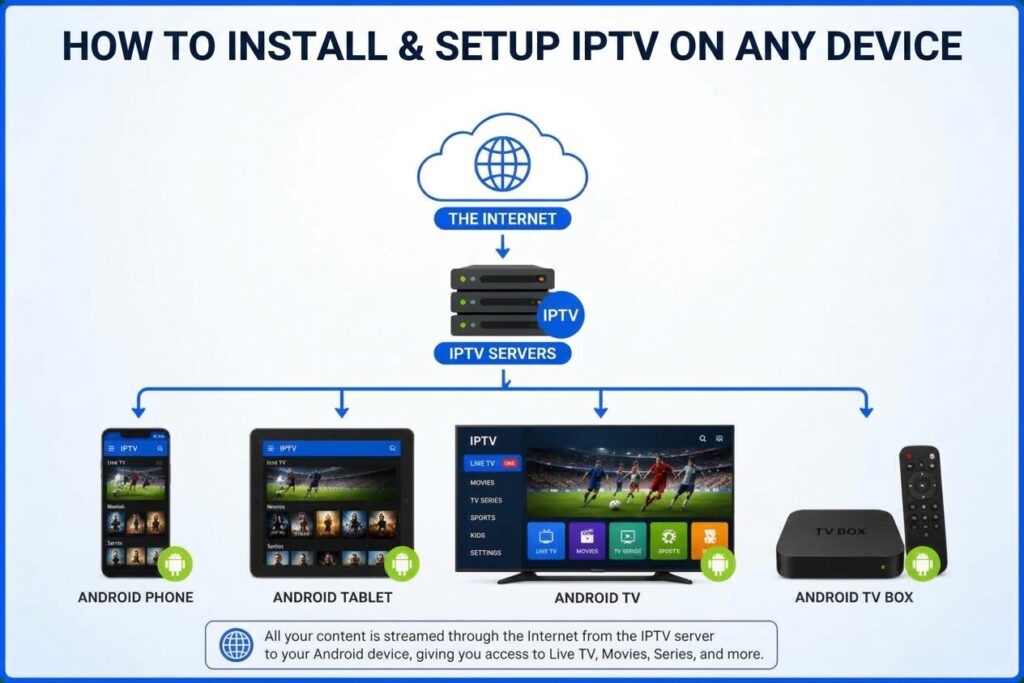
Ready to Start? Get Installed in 15 Minutes!
How to Install & Setup IPTV on Your Device
Setting up your STRONG 8K IPTV subscription is fast, simple, and takes less than 3 minutes. Follow our step-by-step guide below to start streaming your favorite channels, sports, and movies in Ultra HD!
1. Select Your Device & Download the Recommended App
2. Login & Activate Your Subscription
Once your application is installedopen it and choose your login method:
1 - Xtream Codes API (Recommended):
1.1 Username: (Sent via WhatsApp / Email)
2.1 Password: (Sent via WhatsApp / Email)
3.1 Server URL / Host: http://... (Included in your order details)
2 - M3U Playlist URL:
Simply copy and paste the M3U link provided into your app's playlist settings.
3 - MAC Address Activation (for IBO Player, SET IPTV, Smart IPTV):
Provide us with your device MAC Address, and our support team will activate it remotely within minutes!
Enjoy Unlimited Premium Streaming & Check Our Pricing Plans
Once logged in, your playlist, live TV channels, sports events, and VOD movies/series will load automatically.
 Need Help with Installation?
If you face any issues during setup, our 24/7 Support Team is available on WhatsApp to guide you step-by-step or activate your line instantly!




Need Help with Installation?